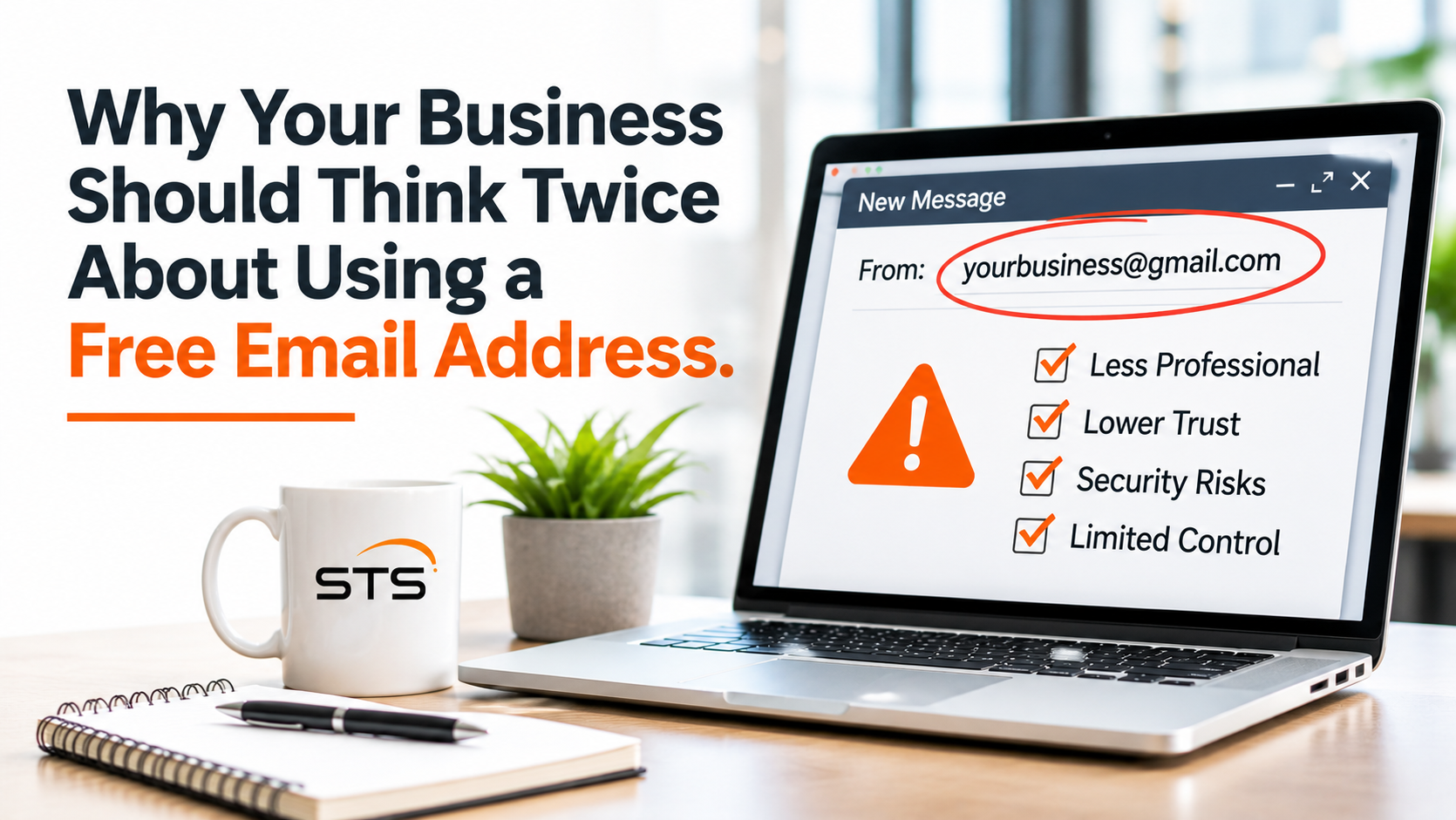
Imagine you're hiring someone to remodel your office.
You receive two estimates from companies you've never worked with before.
One comes from johnsconstruction@gmail.com.
The other comes from estimates@johnsconstruction.com.
Both companies might be equally qualified and provide excellent service.
But which email address immediately looks more established?
For many people, a business email address connected to a company's website creates a more professional first impression.
Of course, appearances aren't everything. A custom email address doesn't automatically make a business legitimate, and a free email address doesn't mean someone is untrustworthy.
But there's a bigger reason businesses should think carefully about using personal email accounts for professional communication.
It comes down to account ownership, security, employee management, and business continuity.
What's the Difference Between Free Email and Business Email?
Services like Gmail, Yahoo Mail, and Outlook.com allow individuals to create free email accounts.
For personal use, these services can be excellent. They're convenient, familiar, and often include useful security features.
But when employees use individually created accounts for business communication, the company may have limited control over those accounts.
That's where the distinction becomes important.
A managed business email system typically uses a company-owned domain, such as yourbusiness.com.
Instead of employees using personal addresses, they receive accounts like:
More importantly, those accounts can be managed through an organization-controlled platform.
Depending on the service, administrators can manage users, establish security requirements, control access, and support account transitions when employees leave.
The benefit isn't simply having your business name after the @ symbol.
It's having an email environment that your business can properly manage.
Your Business Should Have Control Over Its Email Accounts
Let's say an employee creates a free Gmail account to communicate with customers.
They use that account for several years.
Over time, important conversations accumulate. Customer information, vendor correspondence, invoices, and business documents may all pass through that inbox.
Then the employee leaves.
Who controls the account?
Can the business recover important messages or maintain communication with customers?
Even if the employee created the address specifically for work, that doesn't automatically give the company administrative access.
With a properly configured business email platform, the organization maintains control over its managed accounts.
That doesn't mean administrators should casually access employee messages or ignore privacy requirements. Access should follow company policies and applicable laws.
But it does mean there's an established process for managing business communications rather than relying entirely on someone's personal login.
What Happens to Email When an Employee Leaves?
Employee turnover is one of the clearest reasons business email management matters.
Imagine your salesperson has spent five years building customer relationships using a personal email address.
When they leave, customers may continue sending requests, questions, and purchase information to that inbox.
The business might have no reliable way to receive those messages.
Even if the former employee agrees to forward important emails, that creates an ongoing dependency on someone who no longer works for the company.
A centrally managed business email environment makes these transitions easier.
Depending on the platform and company policies, administrators may be able to disable accounts, preserve relevant business data, configure appropriate automatic replies, and transfer access to authorized employees.
These actions should be handled carefully, particularly when privacy or record-retention requirements apply.
The important point is simple.
An employee leaving shouldn't mean your business loses control of important communications.
Does Business Email Provide Better Cybersecurity?
A professional email address doesn't automatically make your business more secure.
An address like john@yourbusiness.com can still be compromised if the account isn't properly protected.
Likewise, a personal Gmail account can use strong passwords and multi-factor authentication.
The real advantage comes from the management capabilities and security controls available through a properly configured business email platform.
Depending on the provider and subscription, businesses may have access to:
Centralized account management: Control over employee accounts and permissions.
Multi-factor authentication (MFA): Additional verification to help protect accounts if passwords are stolen.
Security monitoring: Tools and activity logs that can help identify suspicious access.
Email threat protection: Features designed to reduce phishing, malicious attachments, and impersonation.
Access controls: Options for managing who can access business information.
Account recovery: Administrative processes for securing or recovering managed accounts.
Not every platform includes every feature, and some protections require additional licensing or configuration.
Simply purchasing business email doesn't mean all these security measures are automatically enabled.
Someone still needs to configure, maintain, and manage them.
Why Email Security Matters More Than Many Businesses Realize
Think about how much information passes through a business inbox.
Invoices, customer conversations, contracts, vendor details, financial discussions, and links to cloud documents may all be stored there.
Email is also frequently connected to other business applications through password resets and account notifications.
If an attacker gains access to an employee's inbox, they may be able to read sensitive conversations, impersonate that employee, or attempt to access other connected services.
That's why business email should be treated as an important part of your cybersecurity strategy.
Strong passwords, MFA, appropriate access controls, security monitoring, and employee awareness all play a role.
No single security feature eliminates every threat.
The goal is to make accounts harder to compromise and reduce the damage if something goes wrong.
Is Gmail Bad for Businesses?
Not at all.
This is where the conversation sometimes gets confusing.
There's a difference between using a free personal Gmail account and using Gmail through Google Workspace.
Google Workspace is Google's business productivity and collaboration platform.
With an appropriate subscription and verified business domain, organizations can use Gmail with professional email addresses while managing accounts through an administrative system.
For example, employees might still use the familiar Gmail interface, but their addresses would end in @yourbusiness.com instead of @gmail.com.
The organization can also manage users, establish security settings, and use business-oriented administration features.
Similarly, Microsoft 365 offers business email services that support custom company domains.
So the issue isn't whether your business uses Gmail or Microsoft Outlook.
The more important question is:
Are your employees using accounts that your business can properly manage, secure, and maintain?
Your Email Domain Is Part of Your Business Identity
Professional email helps create consistency.
Imagine a customer receives an invoice from accounting@yourbusiness.com, an appointment reminder from scheduling@yourbusiness.com, and a follow-up from sarah@yourbusiness.com.
Those addresses clearly connect to the same organization.
That can make business communications easier to recognize and manage.
Role-based addresses can also remain consistent when employees change positions.
For example, accounting@yourbusiness.com can continue receiving invoices even when a different employee takes responsibility for them.
However, a professional-looking email address should never be the only reason someone trusts a message.
Attackers can impersonate legitimate businesses or create addresses that look similar to real company domains.
Unusual requests involving money, passwords, or sensitive information should always be verified through a trusted process.
What About Email Authentication?
Another benefit of managing your own email domain is the ability to configure email authentication.
Three commonly used technologies are SPF, DKIM, and DMARC.
You don't need to understand every technical detail, but their purpose is worth knowing.
SPF identifies which sending sources are authorized for a domain.
DKIM uses digital signatures to help verify signed email content.
DMARC allows domain owners to establish policies for handling certain messages that fail authentication checks.
Together, these tools can help reduce some forms of email spoofing, where attackers attempt to send messages that appear to come from your domain.
They don't eliminate every phishing threat, and incorrect configurations can interfere with legitimate email delivery.
That's why these settings should be properly configured and tested.
What If Your Business Already Uses Free Email Accounts?
If your business currently relies on personal Gmail, Yahoo, or similar accounts, there's no need to panic.
Many small businesses start that way.
When you're first opening a company, a free email account may seem like the simplest option.
But as your business grows, it's worth considering whether that arrangement still meets your needs.
Moving to managed business email should be planned rather than rushed.
Start by identifying which accounts are currently used for business communication.
Determine which addresses are connected to important vendors, customer portals, software subscriptions, and password-recovery processes.
Make sure your company owns and controls its domain registration.
Then evaluate business email platforms that meet your needs.
A transition may involve moving messages, contacts, and calendars, updating email settings, notifying important contacts, and testing the new system.
Some migrations are straightforward. Others require additional planning, especially when several independently owned accounts are involved.
The goal is to make the transition without unnecessarily disrupting business communication or losing important information.
Business Email Is About More Than Looking Professional
Using a custom email address can help your business present a more consistent, professional image.
But that's only one part of the value.
The bigger advantages involve account ownership, centralized management, business continuity, and the ability to apply appropriate security protections.
As your business grows, those capabilities become increasingly important.
Your email system connects employees, customers, vendors, financial conversations, and everyday operations.
It deserves to be managed with the same care as the rest of your technology.
So, if your business still relies on individually created personal email accounts, consider asking yourself:
If an employee left tomorrow, would our business still have control of the email accounts and communications we depend on?
That's a much more important question than whether your email address looks professional.