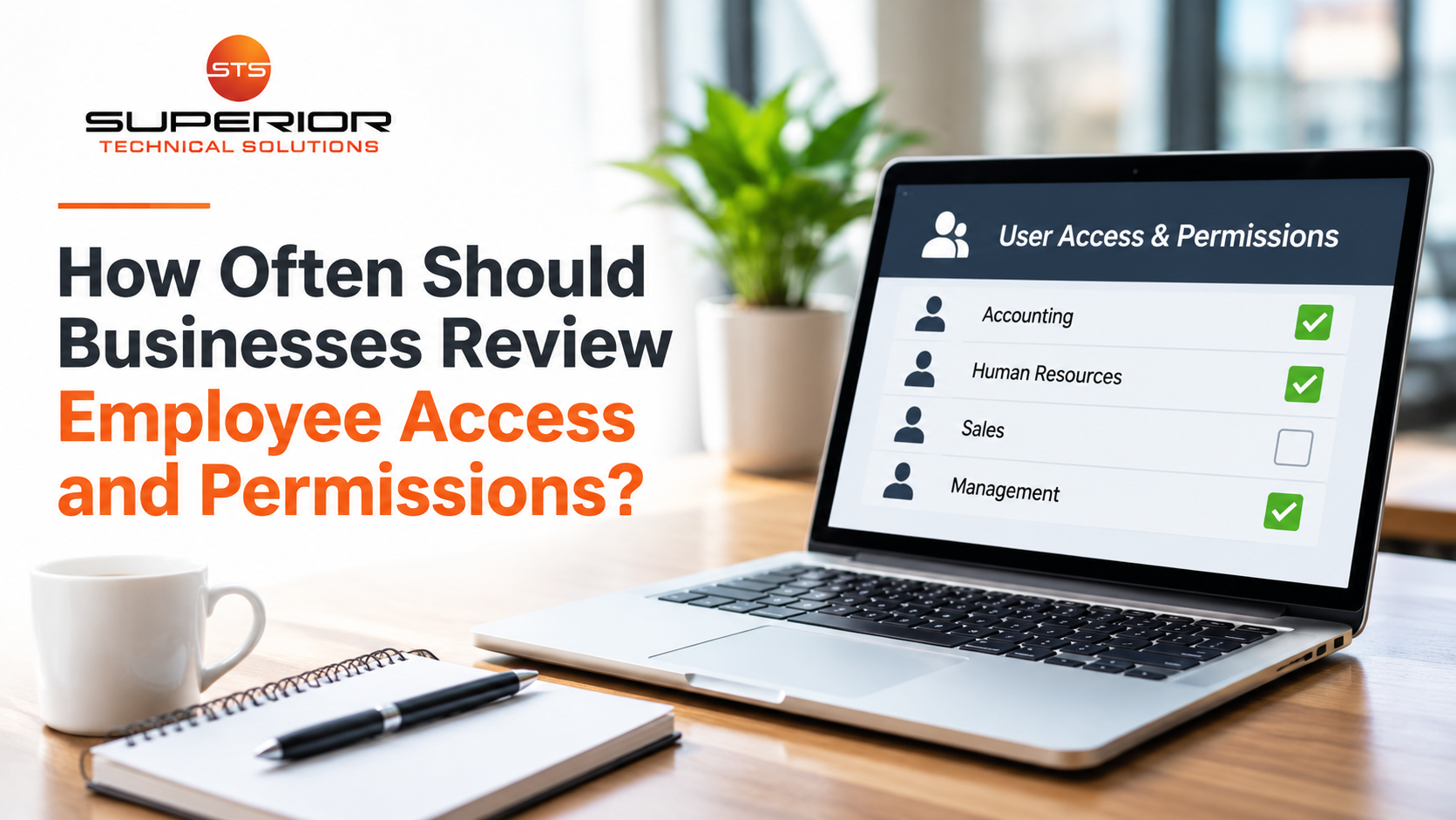
Think about the last time someone at your company changed jobs.
Maybe an employee moved from the front desk into accounting. Maybe someone was promoted to management. Or perhaps an employee left the company altogether.
When those changes happened, what happened to their access to your business systems?
Were their old permissions removed? Did someone review which applications they could still access? Or did everyone just move on with their day?
It's easy to overlook these details when a business is busy. But over time, employees can accumulate access to systems, files, and information they no longer need.
And those forgotten permissions can create unnecessary cybersecurity risks.
That's why reviewing employee access shouldn't be something businesses only think about when a problem occurs.
How Often Should Businesses Review User Access?
For many small businesses, reviewing user access at least quarterly can be a practical starting point, particularly for important systems containing financial, customer, or sensitive business information.
However, there isn't one schedule that fits every organization.
The appropriate frequency depends on the information being protected, the permissions involved, business risks, and applicable requirements.
Highly privileged accounts may need more frequent reviews.
And certain changes shouldn't wait for a quarterly review at all.
When an employee leaves, changes roles, or no longer needs temporary access, permissions should be updated promptly.
Think of quarterly reviews as a safety net for catching access that may have been overlooked, not as the only time account permissions are managed.
What Are User Access and Permissions?
Every time an employee signs in to a business application, their account has certain permissions.
Those permissions determine what they're allowed to see and do.
For example, a receptionist might need access to scheduling software and customer information. Someone in accounting may need financial records. A manager might have additional permissions to approve purchases or manage employees.
Some users can only view information. Others can change settings, delete files, or manage accounts.
Those are very different levels of responsibility.
The goal is to give employees access to the tools and information they need without automatically giving them access to everything.
This is known as the principle of least privilege, a cybersecurity practice that helps limit unnecessary access and reduce the potential impact of mistakes or compromised accounts.
Why Do Employees End Up With Too Much Access?
Usually, it isn't intentional.
Imagine someone starts working as an administrative assistant.
They receive access to email, shared folders, scheduling software, and several business applications.
A year later, they help with accounting while another employee is on vacation. They're given additional permissions.
Later, they move into another department and receive access to more systems.
But nobody removes their previous permissions.
After a few years, that employee may have access to considerably more information than their current job requires.
This is sometimes called privilege creep.
It happens because adding access is often urgent, while removing unnecessary access gets overlooked.
The longer a business operates without reviewing permissions, the easier it becomes for these situations to accumulate.
Former Employees Shouldn't Still Have Access
Imagine an employee leaves your company.
Their final paycheck is processed, their keys are returned, and everyone moves forward.
But nobody remembers to disable their account in a cloud application.
Six months later, that account may still be active.
That doesn't mean the former employee intends to misuse it.
But it creates an unnecessary opportunity for unauthorized access, particularly if the account's credentials are compromised.
Businesses should have a consistent offboarding process covering email, shared files, accounting applications, customer management systems, remote access, and other services the employee used.
Where appropriate, active sessions, authentication methods, and shared credentials may also need attention.
A documented checklist reduces the chances of something being forgotten.
A Simple Employee Offboarding Access Checklist
When someone leaves your organization, having a clear process can make a significant difference.
Your offboarding checklist should address:
Business accounts: Disable access to email, cloud platforms, business applications, and other company systems according to the departure circumstances.
Remote access: Remove VPN access, remote desktop permissions, and other methods of connecting to company resources.
Shared information: Review access to shared folders, documents, and collaboration platforms.
Administrative privileges: Remove elevated permissions and review any shared credentials the employee knew.
Business devices: Account for company laptops, phones, security keys, and other assigned equipment.
Account recovery: Review recovery methods, authentication devices, and other settings that may still provide access.
Business continuity: Arrange appropriate handling of ongoing customer communications and necessary business records.
The timing and exact procedures should reflect the situation, company policies, and applicable legal requirements.
The important part is making sure someone is responsible for completing and verifying the process.
What About Employees Who Change Positions?
Access management isn't only about people leaving.
Suppose an employee moves from accounting into customer service.
They may no longer need access to payroll, financial reports, or payment processing systems.
If those permissions remain active, they could still access information unrelated to their new responsibilities.
Again, this doesn't mean someone intends to do something wrong.
It's about limiting unnecessary exposure.
If the employee's account is compromised, an attacker may be able to access information that account is authorized to reach.
When someone changes roles, their permissions should be reviewed as part of the transition.
New access can be added while unnecessary previous access is removed.
Administrator Accounts Deserve Extra Attention
Not all accounts carry the same level of risk.
An ordinary employee account might allow someone to view documents or use specific applications.
An administrator account may allow someone to create users, change security settings, or manage important systems.
Those permissions are necessary for certain responsibilities, but they can also be valuable to attackers.
If an administrator account is compromised, the consequences may be more serious because the account has greater control.
Businesses should limit administrative access to people who genuinely need it.
Where practical, employees who perform administrative tasks should use separate accounts for everyday work and elevated responsibilities.
Strong authentication, appropriate monitoring, and periodic permission reviews are particularly important.
The goal isn't to make people's jobs difficult.
It's to avoid giving accounts more power than necessary.
Don't Forget About Vendors and Outside Partners
Employees aren't the only people who may need access.
Accountants, software vendors, consultants, contractors, and other providers sometimes need access to business systems.
That access may be completely legitimate.
For example, a software vendor might need temporary administrative permissions to troubleshoot an application.
But what happens when the work is complete?
Vendor access should be documented, approved, and limited to what's necessary.
Whenever possible, organizations should use identifiable accounts rather than shared logins so access can be managed and activity attributed appropriately.
Temporary permissions should have an expiration or review process.
Otherwise, businesses may accumulate outside accounts that nobody remembers are still active.
What Should a Quarterly Access Review Include?
An access review doesn't have to become an overwhelming project.
Start with systems containing sensitive information or supporting important operations.
For each system, consider:
Who currently has access? Compare active accounts with current employees and approved vendors.
Does everyone still need their permissions? Check access against current responsibilities.
Who has administrator privileges? Confirm elevated access is necessary and protected.
Are there old or unused accounts? Investigate accounts that may no longer be needed.
Is temporary access still active? Remove permissions from completed projects.
Are security protections in place? Review MFA and other authentication requirements.
Someone should also be responsible for approving changes and confirming they were completed.
Your IT Provider Can Help Manage the Process
Business owners shouldn't have to navigate every application's administrative settings themselves.
A qualified IT provider can help maintain account inventories, configure permissions, manage onboarding and offboarding, and identify unnecessary access.
However, the business still needs to decide who should have access to its information.
Your IT provider may know how to configure accounting software permissions, but your accounting manager knows which employees should be authorized to approve payments.
That's why access management works best when business leadership and IT communicate regularly.
The IT team handles the technical changes within its scope. Management determines the business need.
Both have an important role.
Access Should Change as Your Business Changes
Your company probably looks different today than it did two years ago.
Employees have joined or left. Responsibilities have shifted. Software has changed. New vendors may have been introduced.
Your access permissions should reflect those changes.
Reviewing accounts isn't about making employees feel untrusted. It's about protecting information and making sure people have the access they actually need.
The most important thing is having a consistent process rather than relying on someone to remember every change.
So here's a useful question to ask:
If you reviewed every account in your business today, how many people would still have access to something they no longer need?
You might be surprised by the answer.