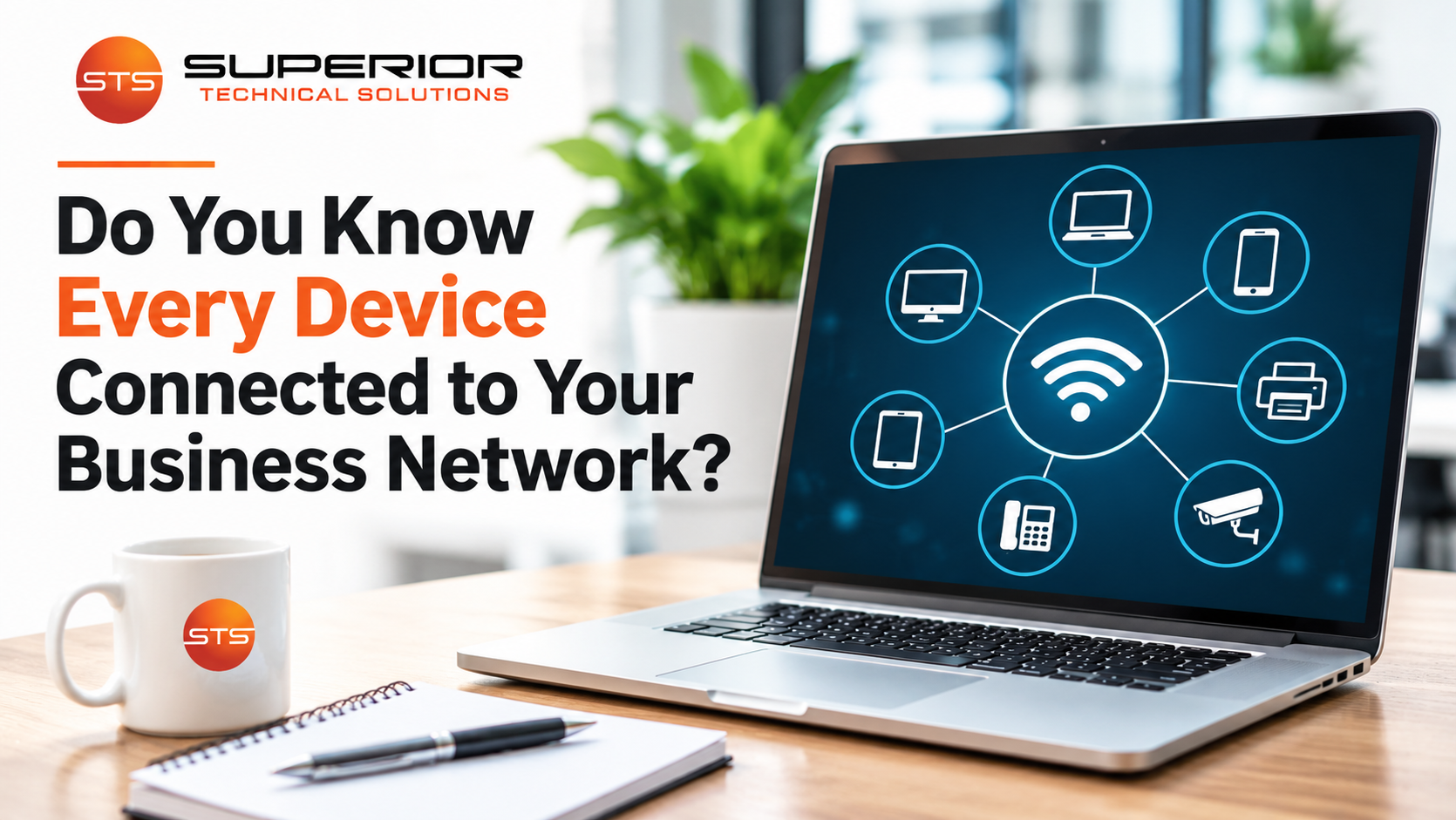
Take a moment to think about everything connected to your business network.
You probably know about the desktop computers and laptops your employees use every day.
You might also think of your printers, servers, and phones.
But what about the smart TV in your conference room? The security cameras? The wireless printer someone purchased last year? Or the personal laptop an employee occasionally brings to work?
How many of those devices are connected to your network right now?
And more importantly, does anyone know for sure?
Most businesses have more connected devices than they realize. As technology becomes easier to install, it's also becoming easier to add equipment without considering how it affects the network.
That might seem harmless, but knowing what's connected is an important part of keeping business technology secure, organized, and reliable.
Why Should Businesses Know Which Devices Are Connected?
Knowing what equipment is connected to your network helps identify potential security risks, manage technology, and recognize devices that don't belong.
Imagine your business has invested in professional cybersecurity protection for its computers.
They're monitored, updated, and protected with appropriate security software.
That's a good start.
But what about a connected device nobody knows is there?
It might not receive regular updates. It could have an outdated configuration, unnecessary services enabled, or a password that was never changed.
Not every connected device creates a serious vulnerability.
However, unmanaged devices can introduce risks that are difficult to identify and address.
After all, it's difficult to protect or maintain equipment you don't know you have.
That's why device inventory is one of the foundational practices in the CIS Critical Security Controls, a widely used set of cybersecurity recommendations.
Your Business Network Includes More Than Computers
When business owners picture their network, they often imagine computers connected to an internet router.
In reality, business networks include many different devices.
Depending on your environment, you may have:
Desktop computers and laptops
Servers and network storage
Printers, copiers, and scanners
Wireless access points and network switches
VoIP phones and conference systems
Security cameras and door access systems
Smart TVs and connected office equipment
Employee-owned phones, tablets, and laptops
Specialized equipment used by your industry
Some devices are used constantly. Others sit quietly in the background.
But many still communicate with your network, access the internet, or interact with business systems.
That means they should be considered when planning network security.
How Can You Tell What Devices Are Connected to Your Network?
You don't necessarily need to be a networking expert to begin understanding what's connected.
However, the best method depends on your network's size and how it's configured.
Here are some common ways businesses identify connected devices.
1. Review the router or firewall's device information.
Many business routers and firewalls provide information about devices using the network.
Depending on the equipment, that may include IP addresses, device names, and other identifying details.
However, these lists may not show every device, especially if equipment is offline or connected through different network segments.
2. Check wireless network connections.
Business Wi-Fi management systems often show devices connected to wireless access points.
This can help identify company laptops, smartphones, printers, and guest devices.
Remember that wired devices may not appear on the wireless connection list.
3. Compare what you find with your equipment inventory.
Your business should maintain a record of company-owned technology.
Comparing that inventory with network information can reveal devices that need to be identified or documented.
4. Use network discovery and monitoring tools.
Professional IT teams may use tools that discover connected equipment, collect technical information, and help identify changes.
These tools can provide more visibility than manually checking a router.
5. Investigate unfamiliar devices.
An unknown device isn't automatically a security threat.
It may be a forgotten printer, vendor equipment, or something listed under an unfamiliar manufacturer name.
The important thing is to verify what it is and whether it belongs on the network.
No single method guarantees that every device will be discovered. Accurate inventories require multiple information sources and regular updates.
How Do Unknown Devices End Up on a Network?
Usually, there's nothing mysterious about it.
Imagine an employee needs a printer closer to their workstation.
They purchase an inexpensive wireless printer, follow the installation instructions, and connect it to the office Wi-Fi.
It works, so nobody thinks much about it.
Or perhaps a manager installs a smart TV in the conference room. Another employee connects a personal laptop for a presentation.
A vendor might add equipment while installing a new phone or security system.
Individually, these decisions seem reasonable.
The problem is that nobody responsible for maintaining the network was necessarily informed.
Over time, the business accumulates devices that aren't included in its inventory or maintenance processes.
This doesn't mean employees should be afraid to request equipment.
It means businesses need a simple process for approving and documenting devices before connecting them.
Not Every Device Can Be Protected the Same Way
Computers are relatively familiar territory for most IT teams.
Technicians can often install security software, deploy updates, monitor performance, and manage configurations.
Other devices can be more complicated.
A network printer, security camera, or smart appliance may not support the same endpoint protection software used on computers.
Some devices have limited update capabilities. Others depend on manufacturers to release new firmware.
Specialized equipment may have restrictions on what software or security changes can be installed.
That doesn't automatically make these devices unsafe.
It means they may require different protections.
For example, an IT team might use network segmentation to limit which devices can communicate with sensitive business systems.
They may also restrict unnecessary internet access, change default credentials, apply available updates, and review device configurations.
The appropriate approach depends on the equipment and how it's used.
What About Employees Connecting Personal Devices?
Employees may connect personal smartphones to office Wi-Fi without thinking twice.
Someone might occasionally use a personal laptop to access email or a cloud application.
These situations aren't automatically dangerous, and many businesses allow personal devices.
But they should be addressed through clear policies.
For example, an organization might provide a separate guest network that doesn't have direct access to internal business systems.
Employees using personal devices for work may need additional security requirements, depending on the information involved.
Those requirements might include supported operating systems, device encryption, or appropriately managed access.
The important thing is to avoid treating every personal device as though it should have the same access as a company-managed computer.
Does Guest Wi-Fi Really Need to Be Separate?
Imagine your business offers Wi-Fi to customers or visitors.
It's convenient, and in many workplaces it's expected.
But should a visitor's laptop have direct access to the same internal network as your accounting computers or file servers?
Generally, there's no reason for that.
A properly configured guest network provides internet access while restricting access to internal business resources.
This helps reduce exposure from devices your business doesn't own or manage.
However, creating a second Wi-Fi network name isn't necessarily enough.
The underlying network configuration must enforce the intended separation.
Your IT team should be able to confirm that guest traffic is appropriately isolated from business systems.
A Device Inventory Helps With More Than Cybersecurity
Security is an important reason to track connected devices, but it isn't the only benefit.
Knowing what equipment your business has makes everyday technology management easier.
For example:
Which computers are approaching replacement age? Which devices are still under warranty? Where is a particular network switch located? Who is responsible for a laptop? Which equipment is running unsupported software?
This information supports troubleshooting, equipment planning, and budgeting.
Imagine planning next year's technology expenses and discovering that several critical devices are approaching the end of their useful life.
Knowing that ahead of time allows you to evaluate replacements and plan expenses.
Without an accurate inventory, those costs may become unexpected emergencies.
Good device management connects everyday IT support with long-term business planning.
Who Should Be Responsible for the Inventory?
For businesses with a managed IT provider, maintaining technology records may be part of the service agreement.
Your IT team can help identify equipment, maintain asset information, monitor supported devices, and recommend changes.
But business leadership still has a role.
When someone purchases a printer, installs security cameras, or brings in a vendor to add equipment, the IT team should know.
Otherwise, even excellent documentation can become outdated.
A simple rule such as checking with IT before connecting new business equipment can prevent confusion later.
Employees don't need to understand network configurations.
They just need to know the process.
What If You Discover an Unknown Device?
Finding an unfamiliar device doesn't automatically mean you've discovered a hacker.
There may be a perfectly reasonable explanation.
It could be a forgotten printer, equipment installed by a vendor, or a device using an unfamiliar manufacturer name.
The first step is to investigate.
Your IT team can identify the device, determine whether it's authorized, and evaluate potential security concerns.
If it's suspicious, temporarily restricting its network access may be appropriate.
However, disconnecting unfamiliar equipment without understanding its purpose could interrupt important operations.
For example, that device might support your phone system, security equipment, or another critical service.
The goal is to verify what you're looking at before making changes.
Network Visibility Should Be an Ongoing Process
Businesses change.
Employees join and leave. Computers are replaced. Vendors install systems. Offices expand.
Your network changes along with those activities.
That's why device inventories and appropriate monitoring should be ongoing parts of technology management.
You don't need to memorize every device connected to your network.
And you don't need to know exactly what every network switch does.
But someone responsible for managing your technology should have a reliable way to identify equipment and determine whether it belongs there.
So here's a question worth asking:
If an unfamiliar device connected to your business network today, would anyone know it was there?
Knowing the answer is an important part of understanding how well your network is being managed.