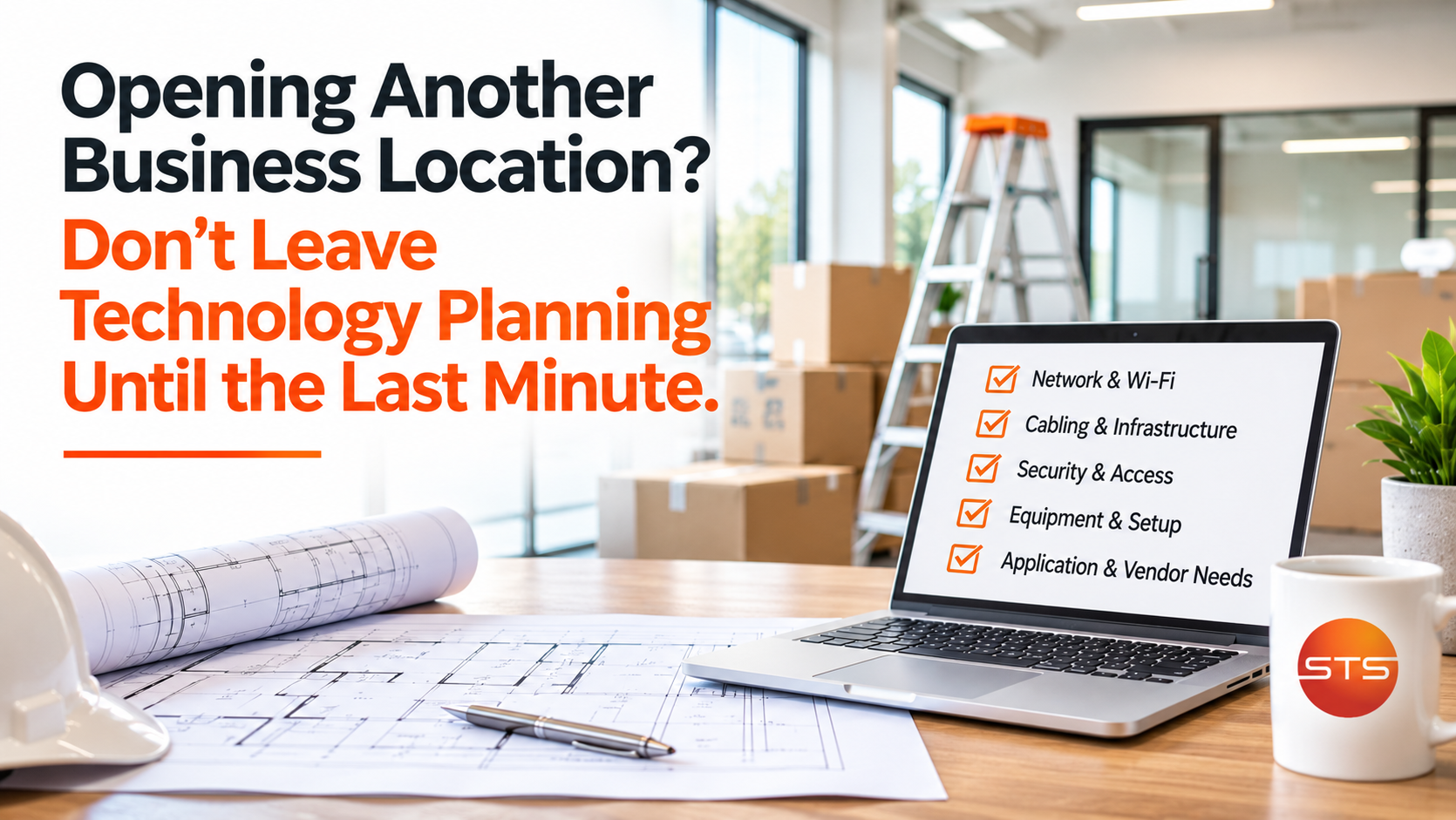
Opening another business location is exciting.
Maybe your company has outgrown its current space. Maybe you're expanding into a new market or opening another office to better serve customers.
There's a lot to think about.
Finding the right building. Negotiating the lease. Planning the layout. Ordering furniture. Hiring employees. Coordinating contractors.
And somewhere on that list is technology.
Unfortunately, technology sometimes gets treated as something that can be handled a few days before opening.
After all, how complicated can it be to install computers, set up Wi-Fi, and get the phones working?
Potentially, more complicated than you might expect.
A new location needs reliable connectivity, properly planned infrastructure, secure access to business systems, and technology that works from day one.
The earlier those details are considered, the easier it becomes to avoid problems that could delay opening day.
Start Planning Technology Before the Space Is Finished
Imagine you've found the perfect office.
The layout works, construction is nearly complete, and furniture is arriving.
Then someone asks where the network equipment will go.
Nobody has decided.
Now you discover that several desks need network connections, security cameras require cabling, and the equipment closet doesn't have appropriate power or ventilation.
Those things would have been much easier to address before construction was completed.
That's why IT planning should happen alongside the building layout, not after everything is installed.
Before walls are finished, identify where employees will work, which equipment needs connections, and what infrastructure must be installed.
A little planning early in the process can prevent expensive changes later.
Is Reliable Internet Available at Your New Address?
One of the first things to investigate is internet service.
Just because a building has internet available doesn't mean the service meets your business's needs.
Available providers, speeds, installation requirements, and service options vary between locations.
Some buildings already have suitable connections. Others require additional construction, permits, or coordination with property management.
Installation timelines can also vary.
That's why contacting providers well before your opening date matters.
Questions worth asking include:
Which business internet services are available at this address?
Will the connection support our employees and applications?
How long will installation take?
What happens if the connection fails?
Would a backup internet connection be appropriate?
Businesses relying heavily on cloud software or internet-based phones may benefit from redundant connectivity.
A second connection won't prevent every outage, but it can provide another option when the primary service fails.
Don't Forget About Network Cabling
Wireless technology is convenient, but physical network infrastructure still matters.
Depending on the business, computers, phones, printers, wireless access points, security cameras, and other equipment may benefit from hardwired connections.
The best time to plan those connections is usually before painting and furnishing are complete.
For many installations, Cat6 or appropriately specified Cat6A cabling may be suitable, depending on bandwidth, distance, equipment, and future needs.
But choosing cable isn't the only consideration.
You also need to determine where connections belong, how cables will be routed, and where everything will terminate.
A network equipment area should provide appropriate space, power, ventilation, and maintenance access.
Cabling should be installed and tested by qualified personnel following applicable requirements.
These decisions are much easier to make before employees are sitting at their desks trying to work.
Will Your Wi-Fi Cover the Entire Building?
One common mistake is assuming a wireless router placed somewhere in the office will provide adequate coverage.
Sometimes it does.
But larger buildings, unusual layouts, and certain construction materials can interfere with wireless performance.
The number of users and connected devices also matters.
An office with five laptops has different needs from a location with dozens of employees, mobile devices, wireless scanners, and customer Wi-Fi.
Business wireless networks should be planned around coverage, capacity, security, and how people use the space.
That may require multiple properly positioned access points.
Guest Wi-Fi should also restrict unnecessary access to internal business systems.
Testing coverage before opening helps identify areas where connections may be unreliable.
Can Employees Access the Systems They Need?
Opening another location doesn't always mean creating a separate technology environment.
Employees may need access to the same accounting software, customer management systems, shared documents, and communication tools used at your original office.
But those systems need to be accessed securely.
For cloud applications, that may involve managed accounts, multi-factor authentication, and appropriate permissions.
Other systems may require secure connectivity between locations or changes to existing infrastructure.
The questions are practical.
Can employees open their applications? Can they access the correct files? Do the printers work? Are permissions configured correctly?
These are things that should be tested before the first customer walks through the door.
What About Phones and Communication Systems?
Phone systems are easy to overlook during expansion.
If your business uses a cloud-based phone platform, you may be able to extend your existing system to another office.
But there are still details to address.
Will the location have a separate number? Can calls transfer between offices? How will voicemail, call routing, and business hours work?
Moving existing phone numbers can also require coordination and lead time.
Voice-over-IP phones depend on suitable network connectivity, and emergency calling information needs to reflect the correct location.
You don't want to discover on opening day that customers can't reach the office or employees can't transfer calls.
Plan Cybersecurity From the Beginning
Adding another location means additional computers, network equipment, employee accounts, and connected devices to protect.
Cybersecurity should be included in the initial setup rather than added after employees begin working.
Depending on the environment, this may involve firewalls, endpoint protection, security monitoring, MFA, patch management, backups, and access controls.
It's also worth considering how the new location affects existing policies.
Will employees use personal devices? Will visitors have Wi-Fi? Who approves new equipment or software?
Consistent procedures across locations reduce confusion and make technology easier to support.
Don't Overlook Power, Backups, and Recovery
Power outages, equipment failures, and accidental deletions can affect a new location.
Critical network equipment may benefit from properly sized uninterruptible power supplies, or UPS devices, that provide temporary battery power.
However, a UPS isn't a replacement for a generator or a complete business continuity plan.
Backups deserve attention, too.
If employees create or store information at the new office, determine whether it's protected by existing backup systems or needs additional arrangements.
And remember, having a backup is different from knowing that information can actually be restored.
Recovery procedures should be documented and tested according to business needs.
Who Is Coordinating All the Technology?
Several vendors may be involved in opening a new office.
The internet provider installs connectivity. Contractors handle construction. Another company installs security cameras. A phone vendor configures communication systems.
Each vendor may be doing its job correctly.
But who's making sure everything works together?
The camera installer might need network connections that weren't planned. The phone provider may require specific settings. Furniture placement could block access to network outlets.
Having one person or team coordinate technology requirements helps identify these dependencies early.
Your IT provider can often assist with planning and vendor coordination within its agreed scope.
Test Everything Before Opening Day
A new location should have a technology checklist just as it has a construction checklist.
Before opening, test the internet, Wi-Fi, phones, printers, computers, and important applications.
Confirm that employees can sign in, access appropriate information, and complete routine tasks.
Verify that security tools are configured and that equipment is documented.
It's also worth walking through a normal business day.
Can an employee answer a customer call, access records, print a document, and complete a transaction?
If something fails, it's better to discover it during testing than while serving customers.
A Smooth Opening Starts With Early Planning
Opening another location is an important step for a growing business.
Technology should help make that expansion possible, not create complications.
The best approach is to involve the right people early, identify what the new location needs, and coordinate installations before deadlines become urgent.
Employees shouldn't spend opening week troubleshooting basic connectivity or figuring out why important applications aren't working.
They should be able to focus on welcoming customers and getting the new location running.
So, as you plan your next expansion, ask yourself:
Are we planning technology as part of opening the new location, or hoping everything will come together at the end?
That distinction can make a significant difference on opening day.